The chart of accounts is the list of structured account numbers which categorize an organization's accounting activities.
The creation of individual accounts is the culminating step in a five- or six-step process which includes creating:
- calendars
- units
- segments
- segment items
- account rules (optional)
The chart of accounts is the backbone of the accounting system. It should be designed to capture financial information to empower sound financial decisions. A chart of accounts is generally grouped into assets, liabilities, capital, revenue, and expenses.
Your organizational chart could serve as the outline for structuring your chart of accounts. For example, suppose your business is divided into ten departments (production, marketing, human resources, etc.). Each department is probably accountable for its own expenses (salaries, supplies, phone, etc.). The chart of accounts will tend to be as large and as complex as the company associated with it.
A few general considerations when using, adapting, or building a chart of accounts from scratch:
- What financial information do you need to track to manage your business?
- What financial reporting do you need and to whom will you be reporting?
- What information do you need to prepare your tax returns?
- Is your business subject to any special regulatory reporting requirements?
Another thing to think about is the level of detail you need in the chart of accounts. A very general chart of accounts, with only very broad categories of accounts, may make bookkeeping easy, but falls short in analysis capability. On the other hand, a very detailed chart of accounts may make bookkeeping cumbersome, but will afford you very granular analysis. In general, you need to seek the level of detail in your chart of accounts that will meet your company's needs.
 Create an individual account
 . The New Account window opens.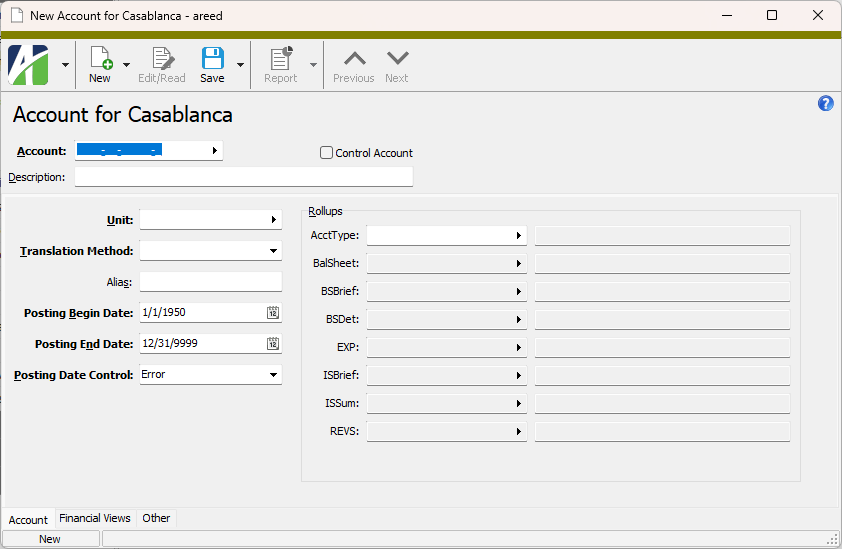
 . The Create Accounts wizard starts.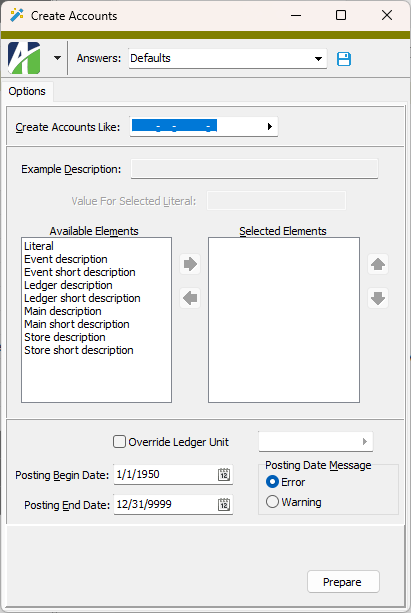
 to move the element(s) to the Selected Elements list box.
 and
and  to put the elements in the order in which you want them to appear in the description.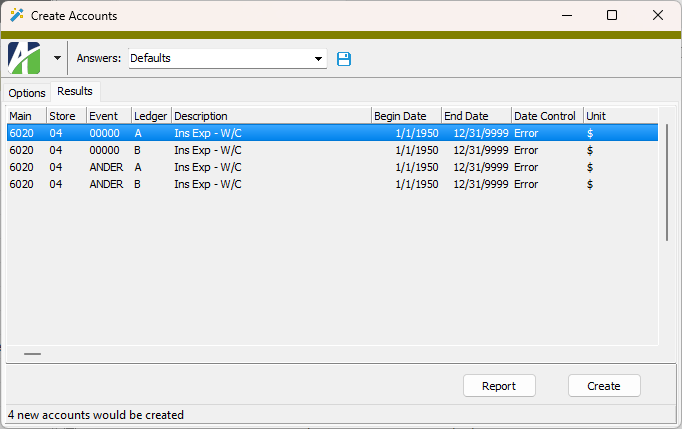
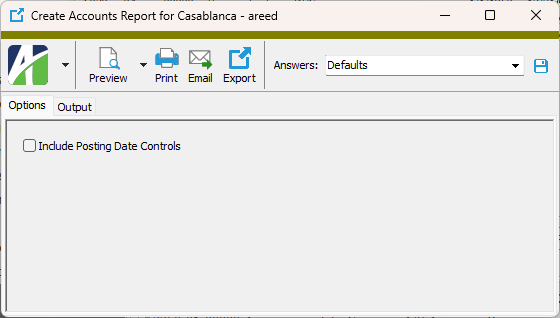
 - Provides access to two preview options.
 - Opens the Print dialog so that you can select and configure a printer and then print a paper copy of the report.
 - Opens the
  - Opens a drop-down menu with two export options: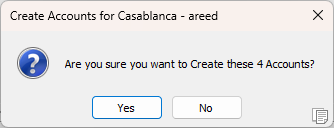
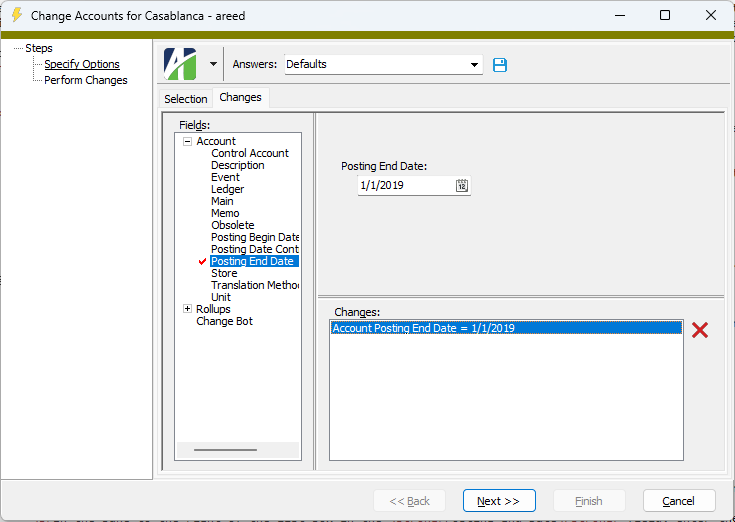
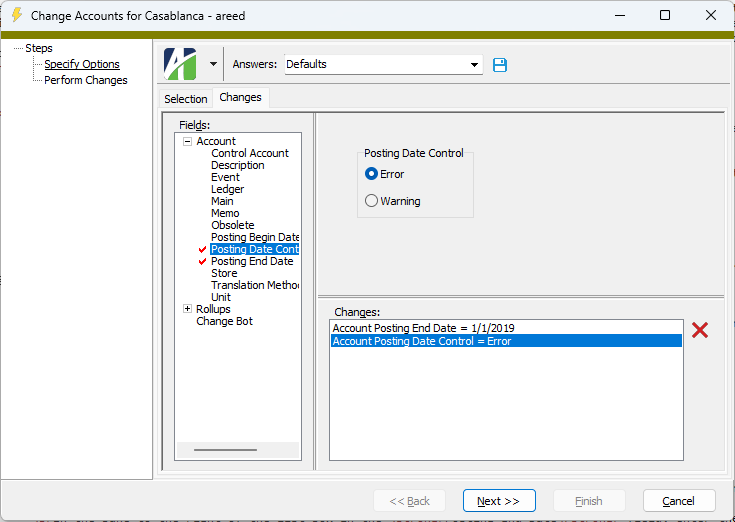
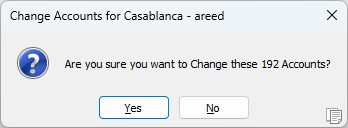
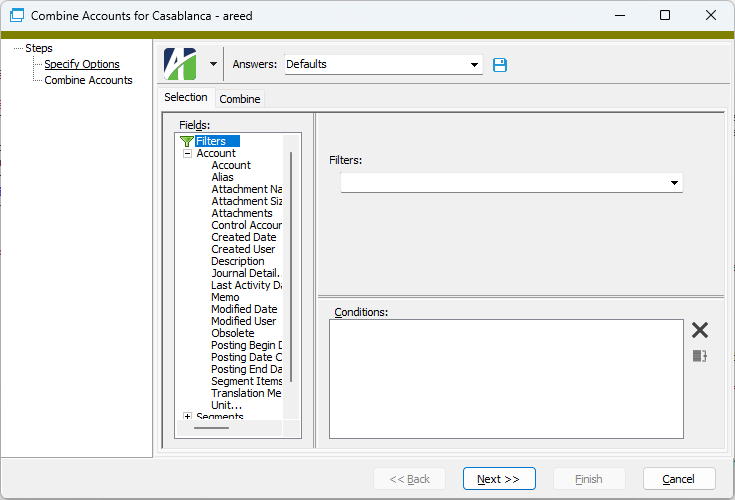
 .
.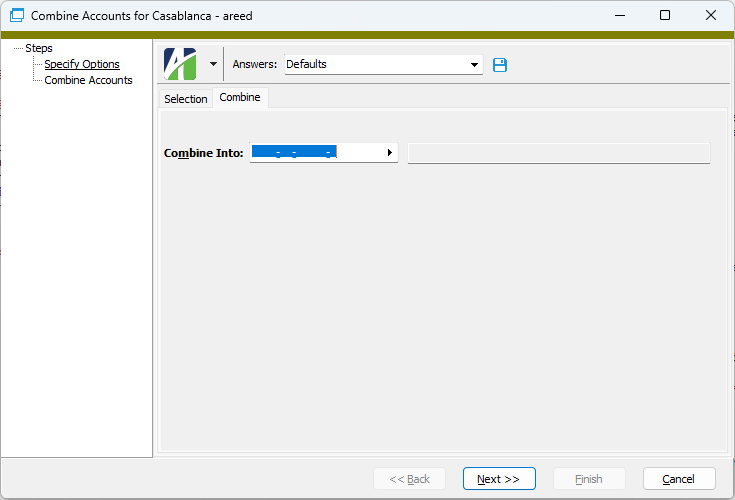
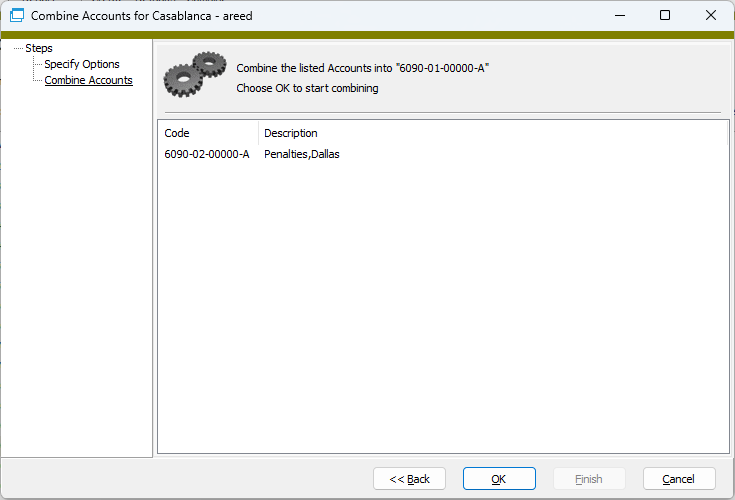
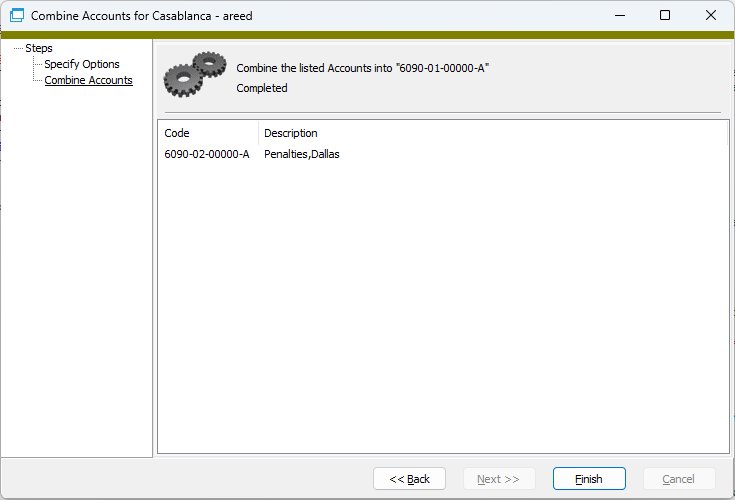
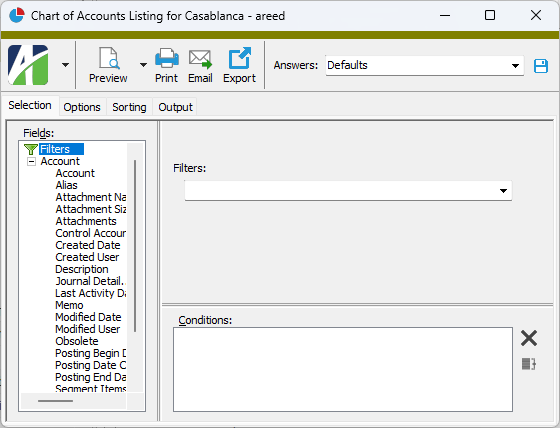
 and select Chart of Accounts Listing from the drop-down menu.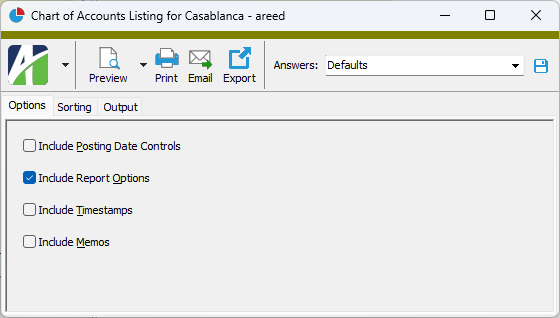
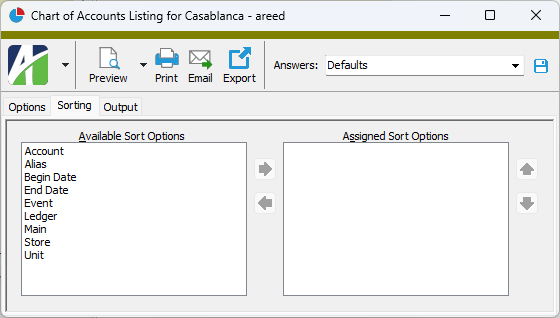
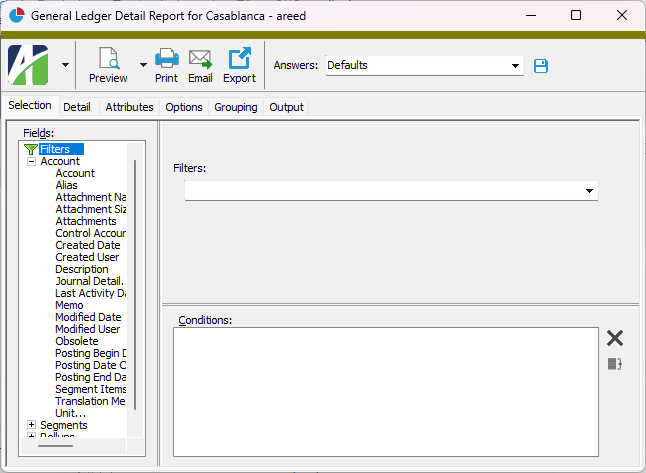
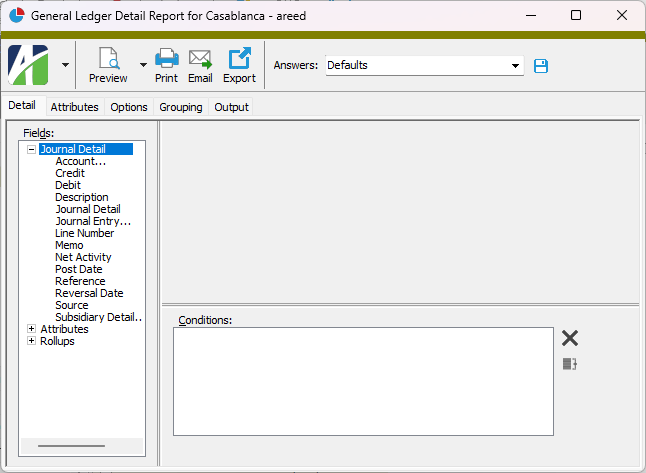
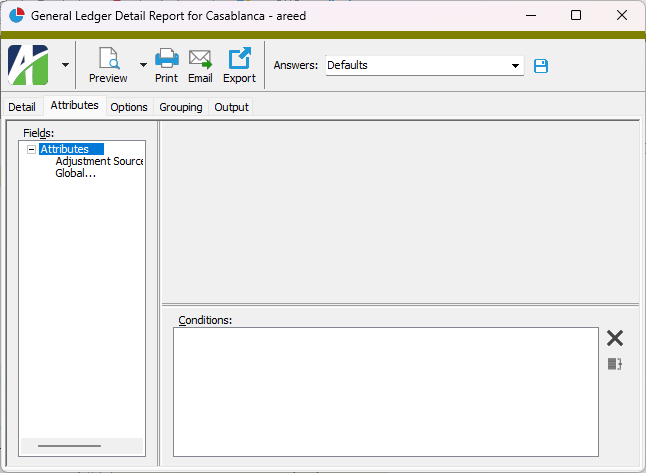
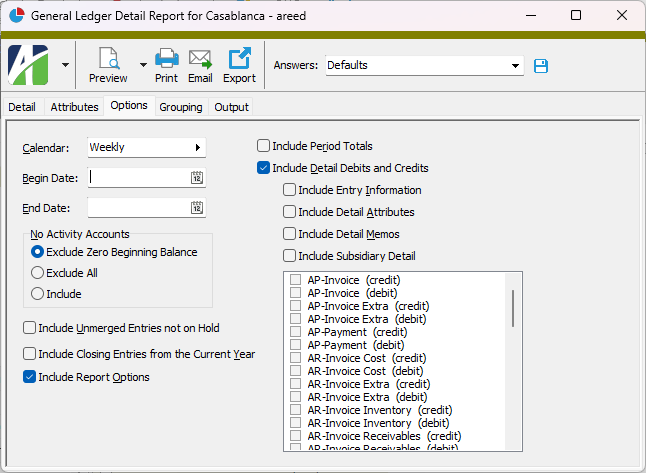
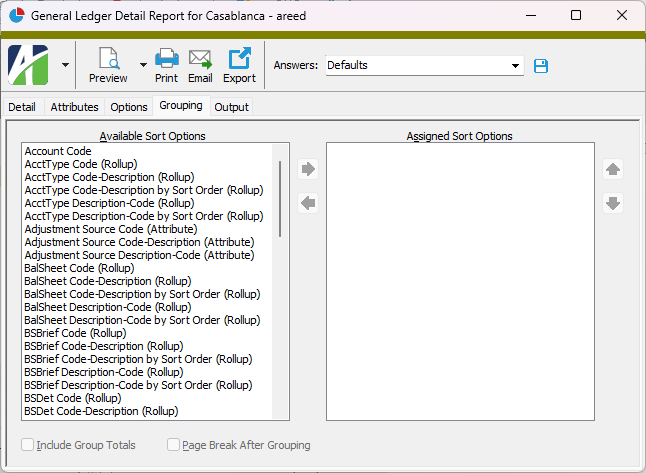
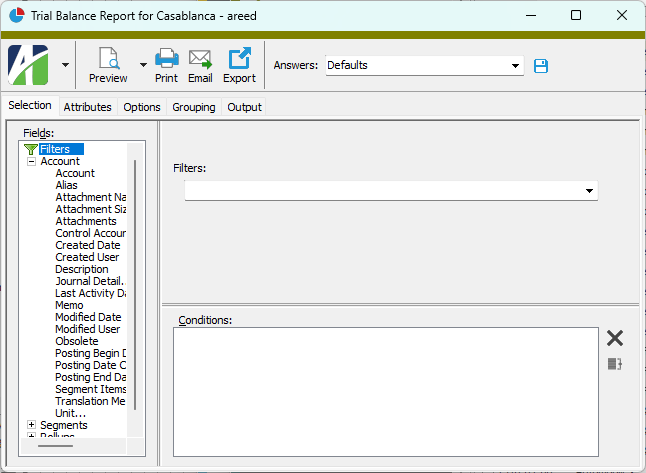
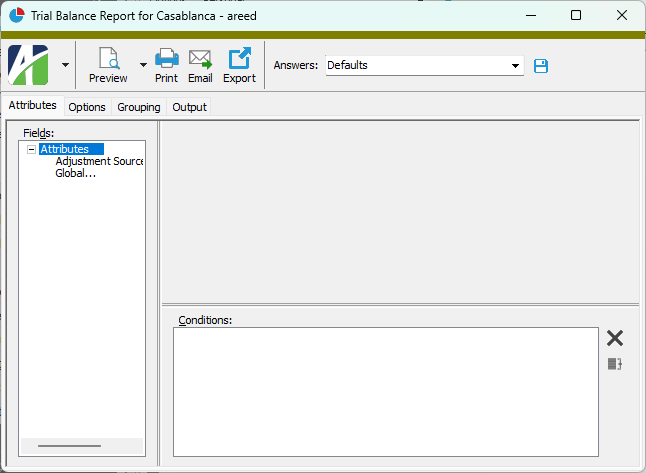
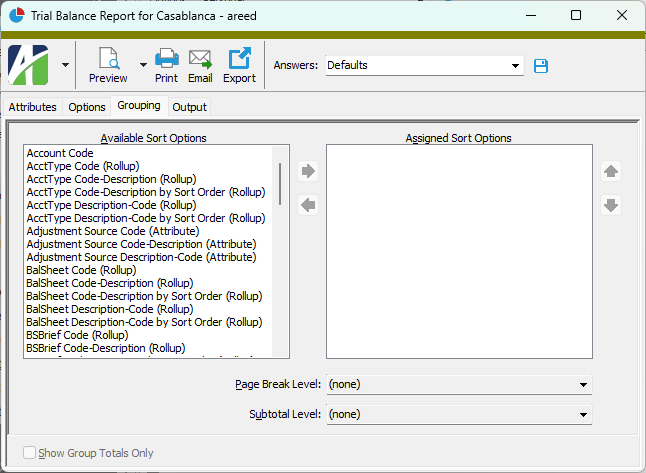
 to open the

|
Extras\General Ledger\Import Accounts.xls; Change Accounts.xls; Combine Accounts.xls; Export Accounts using IReport.xls |
Chart of accounts security
Common accesses available on chart of accounts
| Access | A user with this access can... |
|---|---|
| Change | Use the mass change action on chart of accounts. |
| Change Logs | |
| Custom Fields | Create and edit custom fields for chart of accounts. |
| Data | Have read-only access to chart of accounts from anywhere in the software (e.g., field validations, filters, date expressions). |
| Delete | Delete chart of accounts. |
| Edit | Edit chart of accounts records. |
| Export | Export chart of accounts records from ActivityHD. |
| Import | Import chart of accounts records into ActivityHD. |
| New | Create new chart of accounts records. |
| Read | Have read-only access to chart of accounts records. |
| Report | Run reports with chart of accounts information. |
| Report Designs | Create and edit report designs with chart of accounts information. This access enables the Report Designs button on the Output tab of report dialogs. |
| Shared Answers | Create and edit saved answers related to chart of accounts. |
| Shared Filters | Create and edit shared filters on chart of accounts. |
| Visible | View the Chart of Accounts folder in the Navigation pane. |
Special accesses available on chart of accounts
| Access | A user with this access can... |
|---|---|
| Combine | Combine accounts. |
| Create | Create new accounts. |
Chart of accounts filters
The following built-in filters are available for the chart of accounts:
| Filter Name | Effect |
|---|---|
| ? Description | Prompts for an account description and lists the accounts with a description that contains the specified search string. |
| Closed Accounts | Lists accounts that are closed. |
| Missing AcctType [dynamic] | This filter is automatically created when the AcctType rollup is activated. Lists the accounts which have not been assigned an AcctType value. Use this filter to help ensure rollup health. |
| Missing <Rollup> [dynamic] | If the AcctType rollup is active, this filter is automatically created for each active rollup with a financial type value. Lists accounts that are missing a rollup assignment based on the financial type of the rollup and the AcctType value on the account. Use this filter to help ensure rollup health. |
| Open Accounts | Lists accounts that are open. |
| Posted Accounts | Lists accounts with journal detail entries. |
| Unposted Accounts | Lists accounts with no journal detail entries. |
Account Financial Report security
Common accesses available on the Account Financial Report
| Access | A user with this access can... |
|---|---|
| Run Report | Run the Account Financial Report. |
General Ledger Detail Report security
Common accesses available on the General Ledger Detail Report
| Access | A user with this access can... |
|---|---|
| Report Designs | Create and edit report designs for the General Ledger Detail Report. This access enables the Report Designs button on the Output tab of the report dialog. |
| Run Report | Run the General Ledger Detail Report. |
Trial Balance Report security
Common accesses available on the Trial Balance Report
| Access | A user with this access can... |
|---|---|
| Report Designs | Create and edit report designs for the Trial Balance Report. This access enables the Report Designs button on the Output tab of the report dialog. |
| Run Report | Run the Trial Balance Report. |
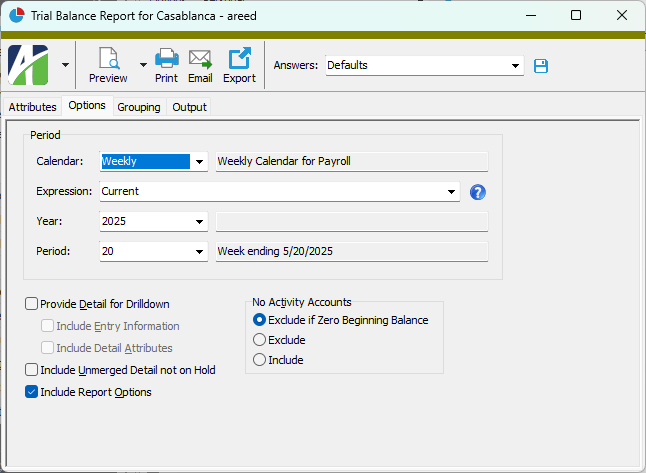
Calendar Period
A period expression which defines a relative reporting period for the financial view. You can select a period expression from the drop-down list or enter a period expression directly in the field. To explicitly specify a reporting period for the selected calendar, use the Year and Period fields instead.
The dropdown contains the following common period expressions:
- Current
- Current - 1 period
- Current - 1 year
For help with proper period expression syntax, click the help button to the right of the field.